
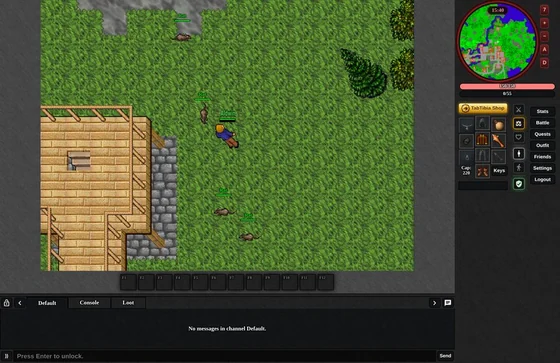
Computer
Keyboard and mouse, with every window at hand.


How to play TabTibia in the browser, with a keyboard and mouse or on your phone.
On a computer
The first time you play
Chosen at the start; the options of the login screen change it later.
Keyboard and mouse, with every window at hand.
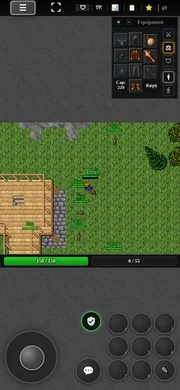
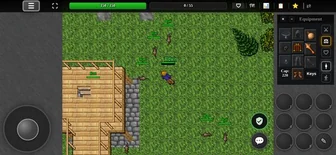
A joystick and touch controls, upright or sideways.
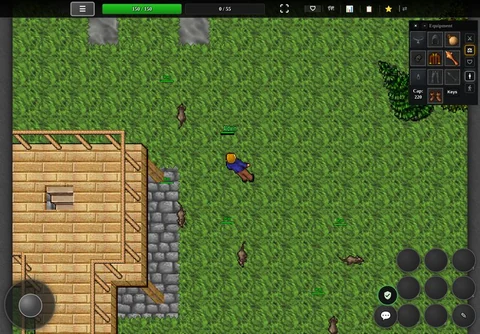
Touch controls and a bigger interface.
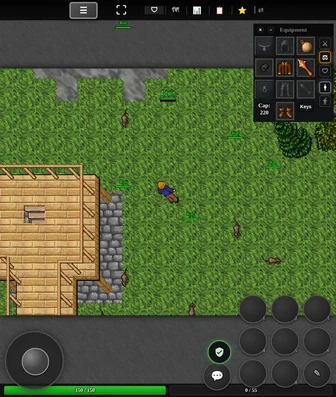
Touch controls for the unfolded screen.
Every window, a click away
The Hub button opens every window of the game.
 Character
 Quest Log
 Tasks
 World Map
 Battle
 Friends
 Guild
 Channels
 Outfit
 Shop
 Purse
 Tips
 Settings
 Logout
Drag spells, runes, fluids and items onto it and use them with F1–F12. It also holds actions: attacks, targets, windows and the orders of your summons. Summon orders →
 F1
 F2
 F3
 F4
 F5
Type them in the chat
!online
Who is online
!frags/kills
Your unjustified kills
/house
Your house: bid, invite guests, hand it over or leave it Houses →
/report
Report a bug, with your text after it
/summons
Your summons follow you or hold their position Summon orders →
Default, World, Trade and Help are public; your guild and your private messages have their own tabs.
Settings → Language: the NPCs speak English, Español, Polski and Português. You still talk to them in English.
Ctrl+Z outside a text box, or /report and your text.
| Key | What it does |
|---|---|
| ↑ ↓ ← → · W A S D | Walk; the keypad works too |
| Q E Z C | Walk diagonally |
| Left click | Walk there |
| Right click | Use or attack what is there |
| Ctrl + right click | Open the menu of what is under the cursor |
| Drag | Move items, or push creatures |
| Enter | Write in the chat |
| Tab | Next chat channel |
| Esc | Close a window or a menu; else stop attacking and walking |
| F1 – F12 | Use the hotbar |
| Ctrl + Q | Quest Log |
| Ctrl + M | World map |
| Ctrl + Z | Report a bug |
| Ctrl + L | Log out |
Its attacks: the nearest, the furthest, the strongest or the weakest monster or player, and going through the targets.
Loot shows the loot of every monster you hurt, and Tasks how your hunts go.
What you say to the NPCs stays in English: hi, trade, bye and the yellow words.
A bug report holds 3 to 250 characters, a report every 1 min at most; your name, your position and the time go with it, and a reminder comes every 12 min you play.
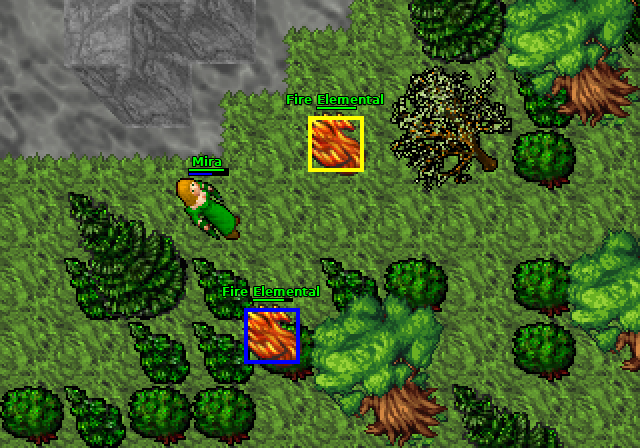 3 ordersSummon ordersFollow, hold position and move here.
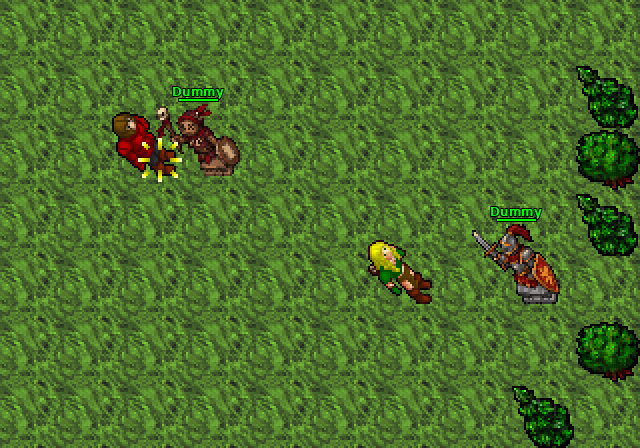 18 stonesTraining & restTraining dummies, boost stones and beds.
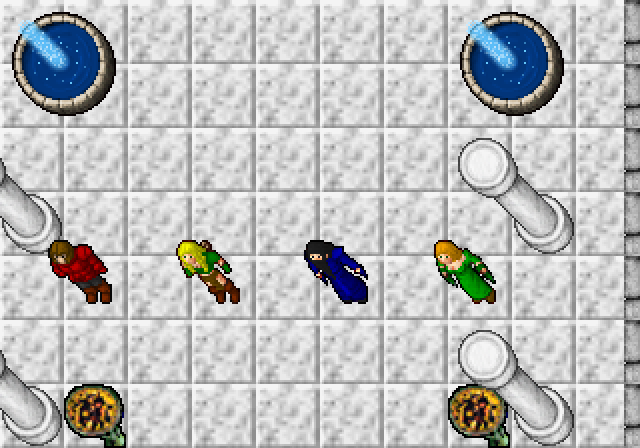 1x ratesServer infoRates, rules and the numbers of the world.

Choose your device
Play in the browser, with nothing to download: TabTibia sets up the controls for your device.
Play nowThe numbers on these pages are read from the game's own files.